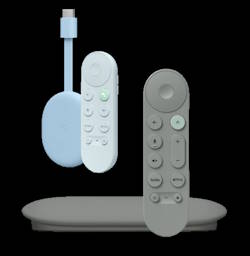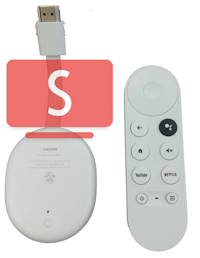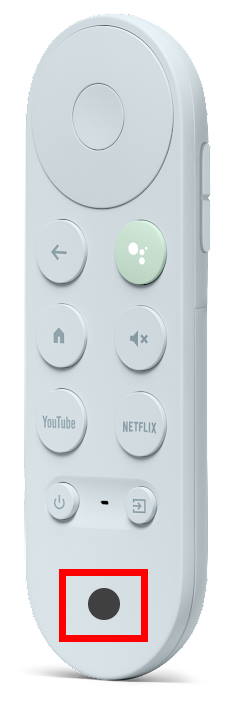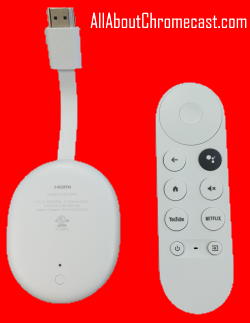
If your older 1st-generation or 2015 Chromecast has started buffering endlessly, dropping its connection, or stuttering through 1080p YouTube videos (although these old Chromecast devices should work for the next 10-20 years), your first instinct is likely to pull out your credit card. With Google heavily marketing the new premium $100 Google TV Streamer as the ultimate living room upgrade, you might feel pressured into an expensive purchase.
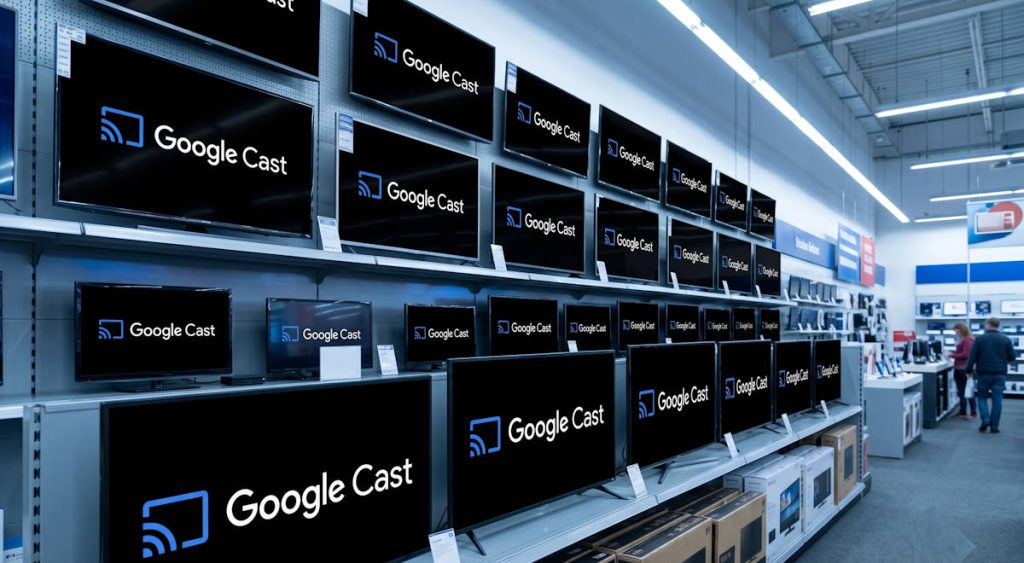
Before you rush to buy new hardware—or spend hours troubleshooting your old dongle’s Wi-Fi connection—you should look at the television already sitting in your living room. There is a very high probability that you don’t need to fix your old Chromecast or buy a replacement device at all, because the exact same casting technology is already fused directly into your display’s silicon.
In this guide, we will untangle the confusing corporate rebranding of Chromecast built-in to Google Cast, dive into the architectural differences of embedded System-on-a-Chip (SoC) casting versus external HDMI delivery, and mathematically explain why your network router might be hiding your television from your smartphone.
Here is how to figure out if you already have Google Cast built-in, and how to activate it.